Text expander extension for Chrome: type a shortcut, get the whole text
Stop typing the same things again and again. Give any saved text a short code like #thk and it expands into the full text right where you type, on any website.
Free: up to 5 active shortcuts. PRO: unlimited.
About text shortcuts
A text expander replaces a short code with a longer text while you type. In Copy History + any item of your clipboard history can become a text shortcut: an email sign-off, an address, a standard answer, a piece of code. Type the code in any text field and it turns into the full text.
All shortcuts start with one trigger symbol, like #, so they never fire by accident in normal typing. You choose that symbol yourself. Each shortcut must start differently from the others, so one shortcut is never the beginning of another one.
Shortcuts live together with your clipboard history: you can filter the list to items with shortcuts only, and auto clear never deletes them.
Where to set it up
Extension iconan itemEdit ✏️
Set a shortcut for this item. Here you also choose the trigger symbol that all your shortcuts start with.
Extension iconthe filter buttons
Show only the items with shortcuts to see and edit all of them at once.
SettingsHistory ListAppearance (UI)
Turn on showing Text shortcuts in the item text, to see the shortcut of each item right in the list.
How to use it
- 1
Pick a text
Open any item of your clipboard history and click Edit ✏️.
- 2
Set a shortcut
Give it a short code like
#thk. All shortcuts start with the trigger symbol you choose. - 3
Type it anywhere
Type the shortcut in any text field and it is replaced by the full text.
Use cases
Email sign-offs
Type
#thkat the end of an email and get “Best regards, Peter, Copy History +”. The same signature everywhere, without a template tool.Support and sales answers
Keep a shortcut for each frequent question: shipping, refunds, pricing. The answer is the same every time and takes a second to insert.
Forms
Your address, phone, company details or tax number in a few keystrokes, on any site that asks for them again.
Code and commands
Snippets of code, SQL queries or terminal commands you type every day, without opening a notes file.
What's inside
- Works in any text field on any website
- Your own trigger symbol for all shortcuts
- Shortcuts are kept by auto clear
- Filter the history to items with shortcuts only
Questions
Works great with
- Paste into any fieldA Chrome extension to insert favorite or recent clipboard items into any field from the right-click menu or with keyboard shortcuts. Fill forms and answer messages without switching tabs.Learn more
- Clipboard historyA clipboard history extension for Chrome: everything you copy is saved automatically. Search it, mark favorites, add tags, group by date or site and paste it again.Learn more
- Keep formatting & linksThe Copy History + Chrome extension saves copied text with basic formatting and links, so it pastes back exactly as it was. Free for the 5 latest items, PRO for all of them.Learn more
Try it in Copy History +
Install the extension in a few seconds. It's free, no account needed.
More free extensions from PiDevEx
Small tools that make the browser work for you.
ShortcutAI
Fix, rewrite or translate any text right where you type with //commands and your own AI prompts.
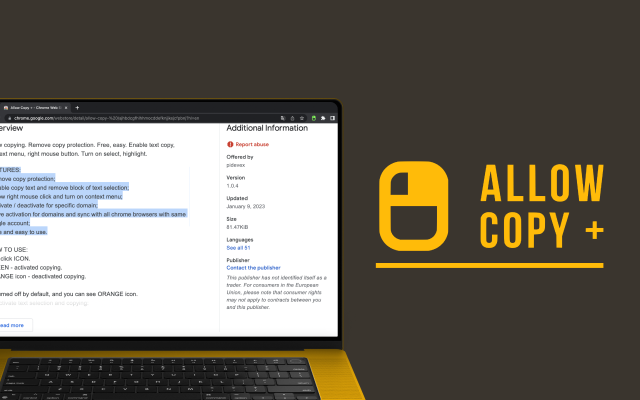
Allow Copy +
Your best helper to copy text from protected websites.
Text From PRO
Text recognizer: get and copy text from images, videos and anywhere in your browser.

Test Bro
AI assistant that helps you with online tests and exams.
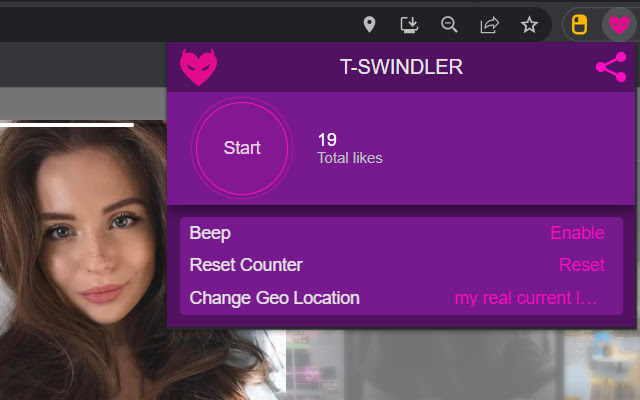
T-Swindler
Extra tools for Tinder in the browser.