Clipboard history extension for Chrome that never forgets
Chrome remembers only the last thing you copied. Copy History + keeps all of it: every copied text is saved automatically, so you can find it again in seconds, even weeks later.
Free. Unlimited local storage.
About clipboard history
The system clipboard holds one item: copy something new and the previous text is gone. Copy History + adds a memory to it. Every text you copy is saved to a history in your browser, with the page it came from and the time it was copied, so nothing you copied is lost.
The history is a real working tool, not just a list. Search it by any word, mark the items you reuse as favorites, add tags, group items by date, by site or by tag, and merge several items into one. Click an item to copy it again, or paste it straight into a field from the right-click menu.
You decide what is saved: everywhere or on web pages only, on all sites or only on the ones you choose, and how long items are kept. Favorites, tagged items and text shortcuts are never removed by auto clear.
Where to set it up
SettingsClipboard Monitoring
Choose where the clipboard is tracked: Everywhere or Web Pages Only. Add Included Websites to track only them, or Excluded Websites to never track them.
SettingsHistory List
Sort History By the copy or the creation date (favorites first if you like), and set Auto Clear by the max number of saved items or the max lifetime.
Extension iconthe list
Search, the favorites and tags filters and the grouping buttons are right above the list.
How to use it
- 1
Install and copy as usual
Nothing to set up: once the extension is installed, every text you copy is saved to your history.
- 2
Open your history
Click the extension icon to open the list in the pop-up or the side panel.
- 3
Find and reuse
Search by any word, open favorites, filter by tags, then click an item to copy it again.
Use cases
You copied over something important
You copied a link, then a phone number, and the link is gone. Open the history: the link is still there, with the page it came from.
Collecting from many tabs
Copy prices, quotes or emails from ten pages one after another. Then go through the history and use them all, without going back to the tabs.
Things you paste every day
Mark templates, addresses and standard answers as favorites. They stay on top of the list and are one right-click away in any field.
Research and writing
Group the history by site to see where each piece came from, and tag what belongs to the same project to find it later.
What's inside
- Search, favorites and tags
- Group by date, by site or by tag
- Sort by the copy or the creation date, favorites first
- Merge several items into one
- Track everywhere or on web pages only, with included and excluded sites
- Auto clear by the number of items or their lifetime: favorites, tagged items and shortcuts are kept
Questions
Works great with
- Paste into any fieldA Chrome extension to insert favorite or recent clipboard items into any field from the right-click menu or with keyboard shortcuts. Fill forms and answer messages without switching tabs.Learn more
- Text shortcutsType #addr and get your full address. Copy History + is a text expander extension for Chrome: turn any saved text into a shortcut for emails, forms and chats. 5 free, unlimited with PRO.Learn more
- Customizable listChoose the columns, the buttons, compact rows and the time format of your clipboard history extension. With PRO: up to 10 lines of text per item and a bigger font.Learn more
Try it in Copy History +
Install the extension in a few seconds. It's free, no account needed.
More free extensions from PiDevEx
Small tools that make the browser work for you.
ShortcutAI
Fix, rewrite or translate any text right where you type with //commands and your own AI prompts.
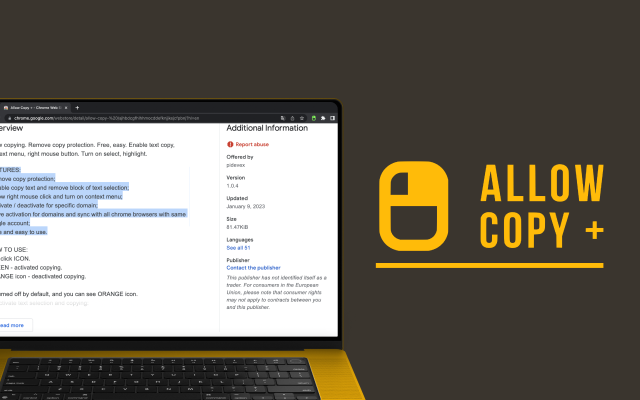
Allow Copy +
Your best helper to copy text from protected websites.
Text From PRO
Text recognizer: get and copy text from images, videos and anywhere in your browser.

Test Bro
AI assistant that helps you with online tests and exams.
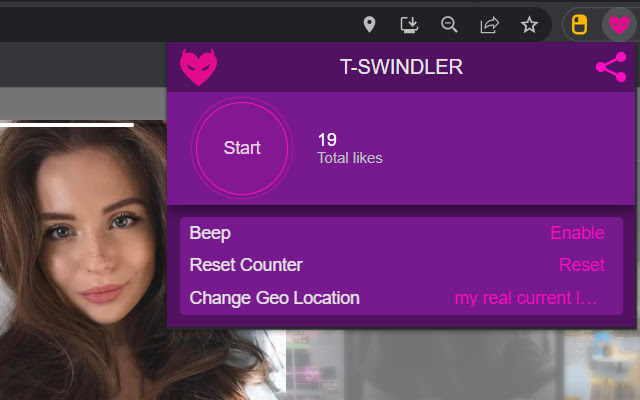
T-Swindler
Extra tools for Tinder in the browser.