Copy and paste text with its formatting and links
Most clipboard managers keep only plain text. Copy History + keeps the basic formatting of what you copy: links, bold, styles. Paste it back and it looks the same.
Free: the 5 latest items. PRO: all items.
About keep formatting & links
When a clipboard manager saves only plain text, every link in a copied paragraph is lost and has to be added again by hand. Copy History + saves the basic formatting together with the text, so a paragraph with links pastes back with its links.
Items saved with formatting are marked in the list. Paste them into an email, a document or any rich text editor and they look the way they did on the page.
In the free version the formatting is kept for the 5 most recently added items, which covers everyday copy and paste. PRO keeps it for all items in your history.
Where to set it up
SettingsHistory ListKeep Basic Formatting
Turn keeping the formatting on or off.
How to use it
- 1
Copy rich text
Copy a text with links or styles from any web page.
- 2
It's saved as is
Items saved with basic formatting are marked in the list.
- 3
Paste it back
Paste into an email, a document or an editor: the links stay links.
Use cases
Emails with links
Reuse a paragraph with several links in a new email: the links come with it, nothing to add again.
Docs and notes
Move formatted pieces between documents and rich text editors without losing bold text and links.
Ready templates
Keep formatted answers and templates as favorites and paste them with their styles.
Questions
Works great with
- Clipboard historyA clipboard history extension for Chrome: everything you copy is saved automatically. Search it, mark favorites, add tags, group by date or site and paste it again.Learn more
- Paste into any fieldA Chrome extension to insert favorite or recent clipboard items into any field from the right-click menu or with keyboard shortcuts. Fill forms and answer messages without switching tabs.Learn more
- Encrypted cloud syncPROYour clipboard history on all your computers and browsers, encrypted on your device with your own key. No more manual backups. A PRO feature of the Copy History + extension.Learn more
Try it in Copy History +
Install the extension in a few seconds. It's free, no account needed.
More free extensions from PiDevEx
Small tools that make the browser work for you.
ShortcutAI
Fix, rewrite or translate any text right where you type with //commands and your own AI prompts.
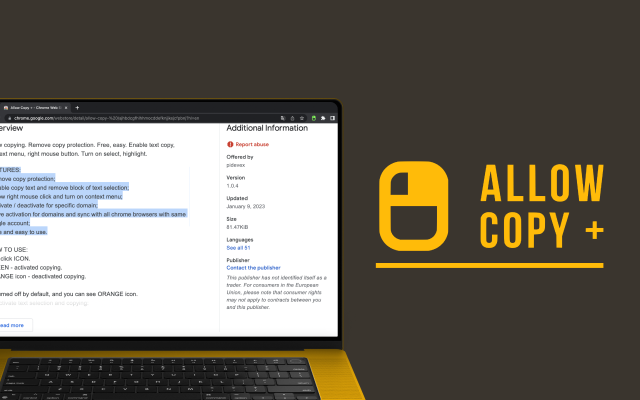
Allow Copy +
Your best helper to copy text from protected websites.
Text From PRO
Text recognizer: get and copy text from images, videos and anywhere in your browser.

Test Bro
AI assistant that helps you with online tests and exams.
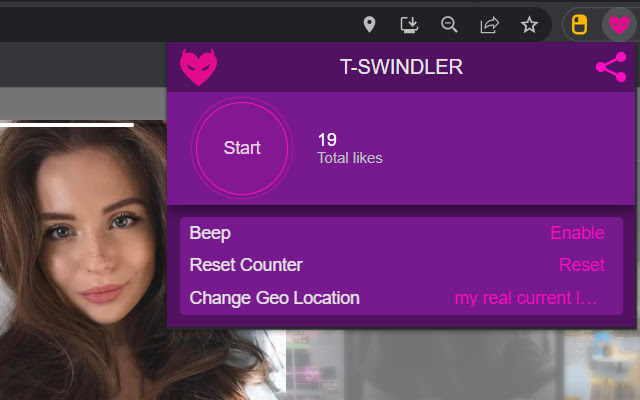
T-Swindler
Extra tools for Tinder in the browser.