🚀 Unlock the full power of your clipboard with Copy History +
Copy once, paste everywhere. Save hours of repetitive work with the ultimate clipboard manager.
Copy Multiple Items Without Switching Tabs
Collect text, links, and images from different sources without losing your flow. No more Alt+Tab madness - everything stays in your clipboard history.
Example: Copy email addresses from 5 different websites, then paste them all at once.
All Your Copy History in One Place
Never lose copied content again. Access your entire clipboard history from any tab or window. Search, organize, and find anything you've copied.
Example: Find that important code snippet you copied yesterday but forgot to save.
Export to Excel & Google Sheets
Turn your clipboard history into structured data. Export lists, tables, or any collected information directly to spreadsheets with one click.
Example: Export 50 product names and prices to Excel for analysis.
Smart Paste Anywhere
Paste copied content into any field on any webpage. Right-click context menu gives you instant access to your recent clipboard items.
Example: Fill forms faster by pasting saved addresses, emails, and phone numbers.
Text Shortcuts & Snippets
Create custom shortcuts for frequently used text. Type #addr and get your full address automatically. Perfect for emails, forms, and messages.
Example: #sig → "Best regards, John Smith, Senior Developer"
Right-Click Context Menu
Your favorite clipboard items are always one right-click away. No need to open extension popup - access everything directly from context menu.
Example: Right-click any text field and insert saved responses instantly.
Backup & Sync Your Data
Never lose your clipboard history. Create backups and restore them anytime, or turn on Encrypted Cloud Sync (PRO): your history on all your devices, encrypted with your own key, with no manual backups at all.
Example: Backup before browser cleanup and restore everything afterwards.
Send to Phone via Telegram
Instantly send text from your browser to your phone. Perfect for links, notes, or anything you want to access on mobile.
Example: Copy a recipe on desktop and send it to your phone for cooking.
Ready to supercharge your workflow?
Join thousands of productive users who save hours every week with Copy History +.
More free extensions from PiDevEx
Small tools that make the browser work for you.
ShortcutAI
Fix, rewrite or translate any text right where you type with //commands and your own AI prompts.
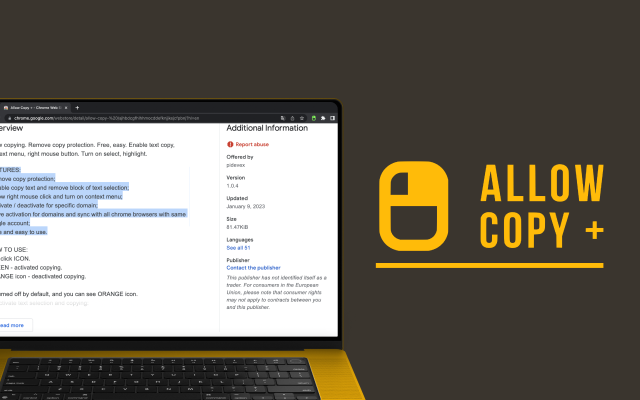
Allow Copy +
Your best helper to copy text from protected websites.
Text From PRO
Text recognizer: get and copy text from images, videos and anywhere in your browser.
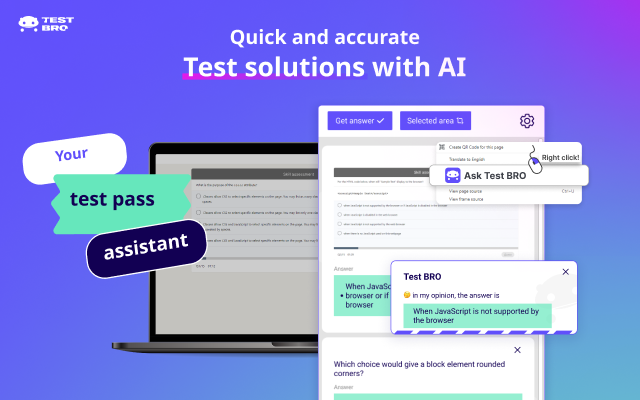
Test Bro
AI assistant that helps you with online tests and exams.
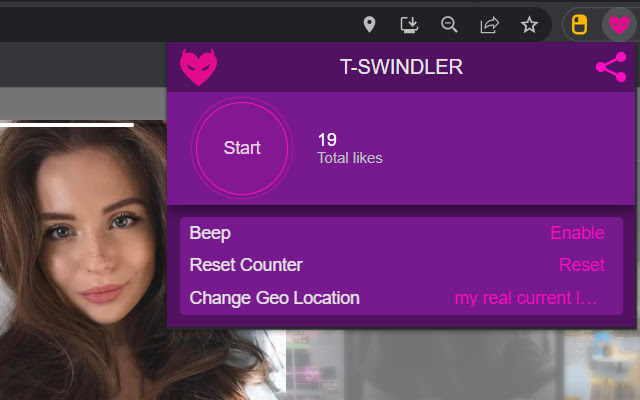
T-Swindler
Extra tools for Tinder in the browser.